
Create a Gmail account
To sign up for Gmail, create a Google Account. You can use the username and password to sign in to Gmail and other Google products like YouTube, Google Play, and Google Drive and also in other websites for our personal use .
- First you have to go to the gmail link Google Account creation page. This page has been look like this. Enter your name as per your wish.
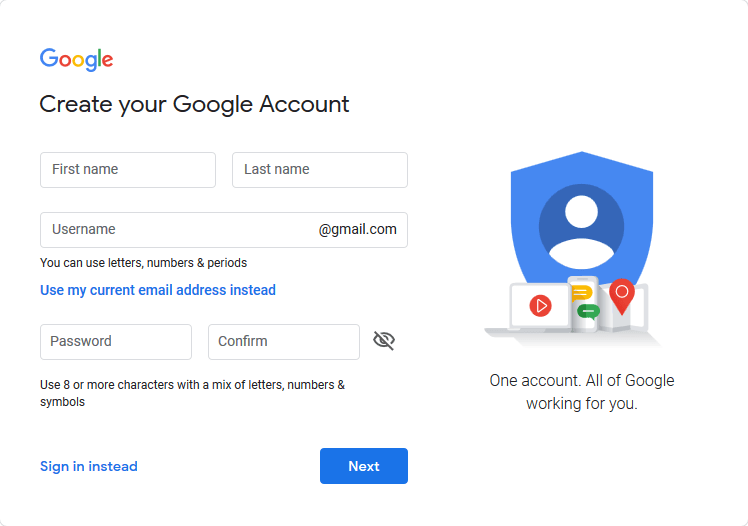
2.Then follow the steps on the screen to set up your account.
3.Use the account you created to sign in to Gmail.
Use Gmail for your business
Suppose if you want to use Gmail for your business, a G Suite account might be better for you than a personal Google Account. G Suite starts at $6 per user per month and includes the following:
Learn more about G Suite or start a free trial.<<< Official link to create an account.
- A professional, ad-free Gmail account using your company’s domain name, such as susan@example.com.
- Ownership of employee accounts so you are always in control of your company’s accounts, emails, and files.
- 24/7 phone, email, and chat support from a real person.
- Increased Gmail and Google Drive storage.
- Mobile device management to keep your data secure, such as the ability to remotely wipe lost devices.
- Advanced security and administrative controls.
 youhave2know